Team Notifications
Your Team Notification Options
Team Notification Options
Snap2Close provides you with 15 Team Notification options Many of these options might not apply to a transaction coordinator or another member of your team. This is why we provide you with the options of select which team member will received notifications.
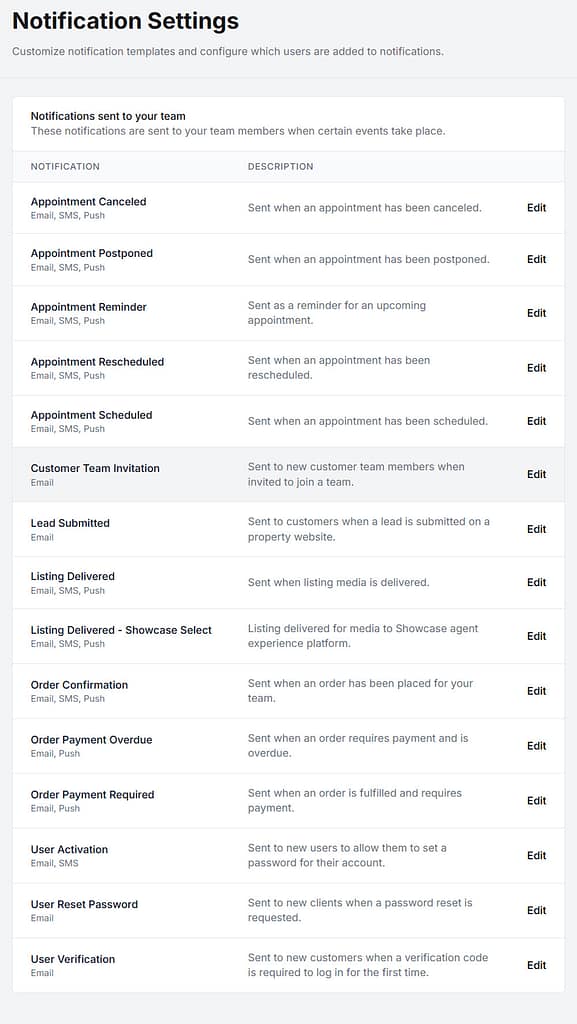
When a Team Admin member clicks on the “Edit” icon then the Admin may select which team member is notified for that transaction.
Available channels for notifications are Email, SMS (text) and Push. Note: Push notifications applies to customers who have installed the Snap2Close Apple or Android apps.
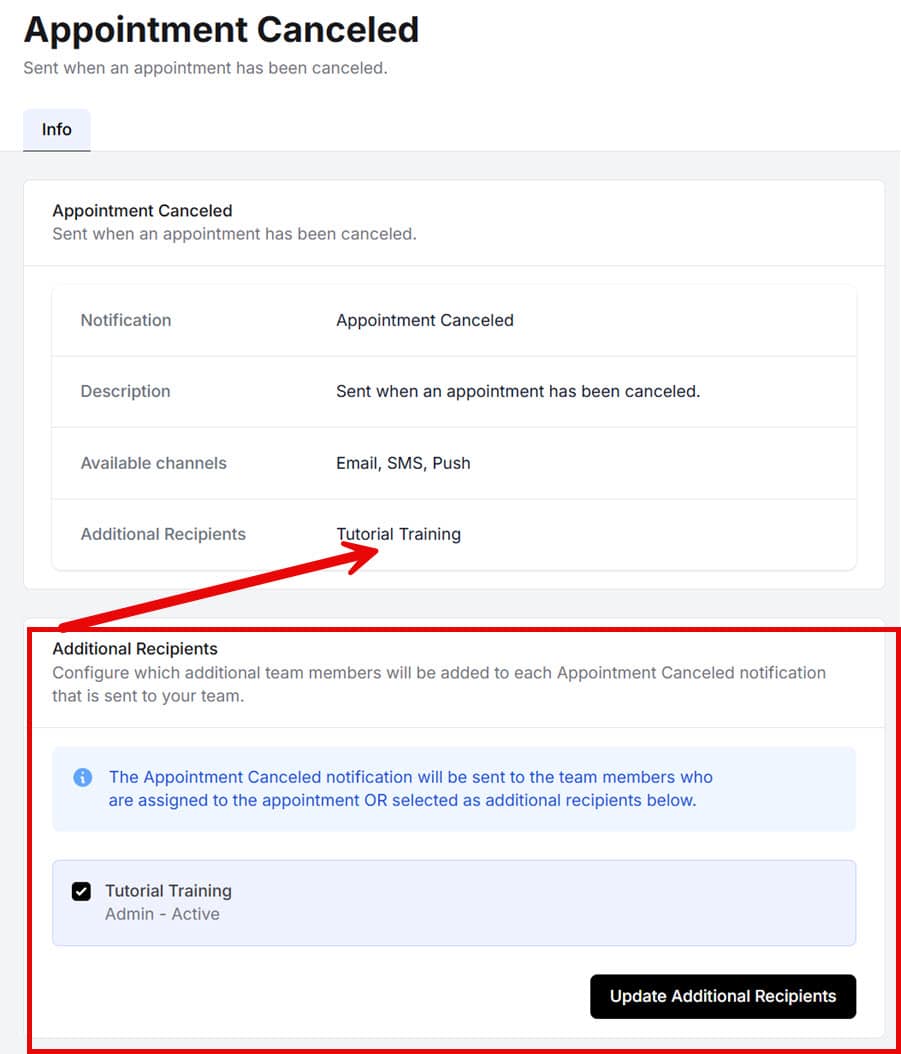
Each individual Team Member will have the personal option of selecting their communications preference. The primary differences will be EMAIL to TEXT preferences. This subject will be covered under Personal Settings.