Downloading Media
How to download your visual media
How to download your media
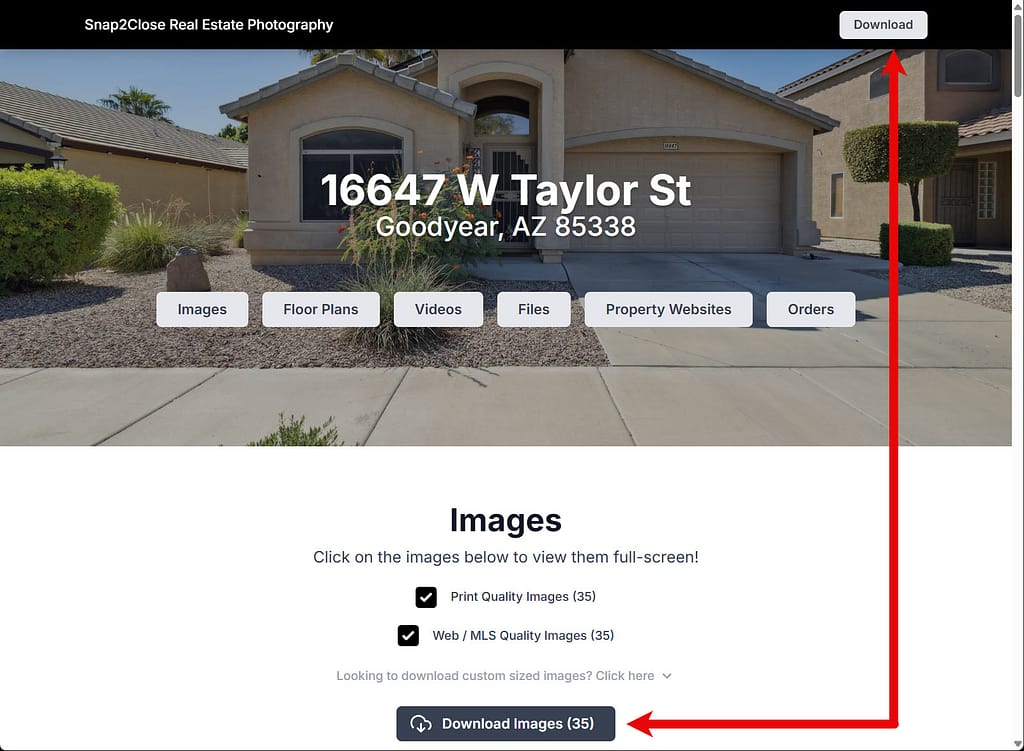
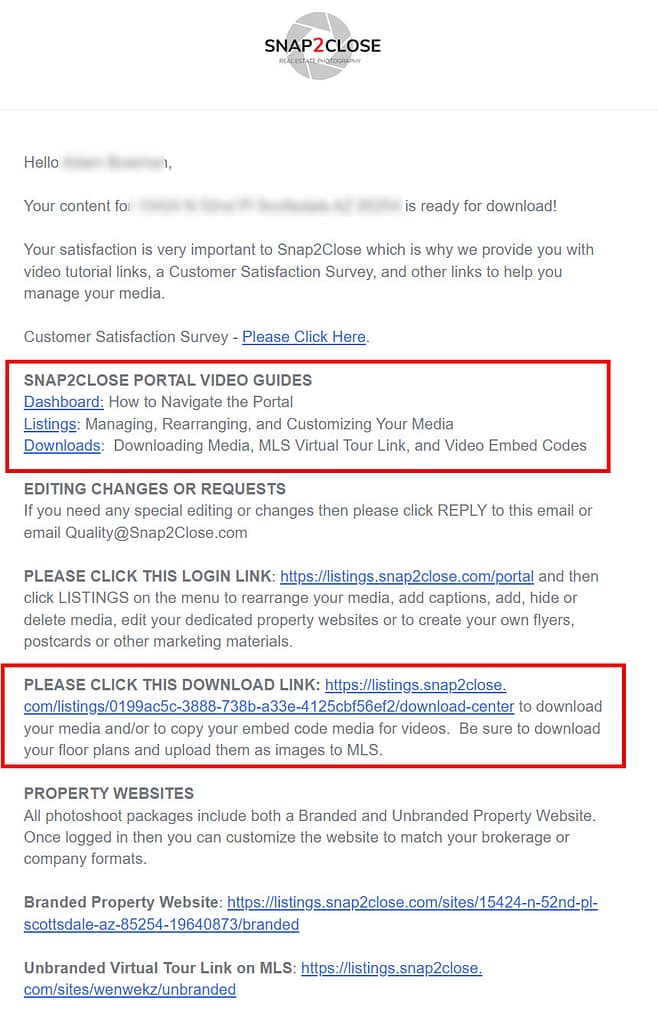
When your Snap2Close media is ready for downloading then our Quality Assurance Department will send you a Delivery email (sample). The 4th paragraph down will provide you will video tutorials on how to best download your media. The 7th paragraph has a download link. Clicking that link will automatically open the Listing screen for your photoshoot (sample). You can download your images by category or sections. Web/MLS Quality Images are for MLS and social media. Print Quality Images are for flyers, post cards an other printable materials.
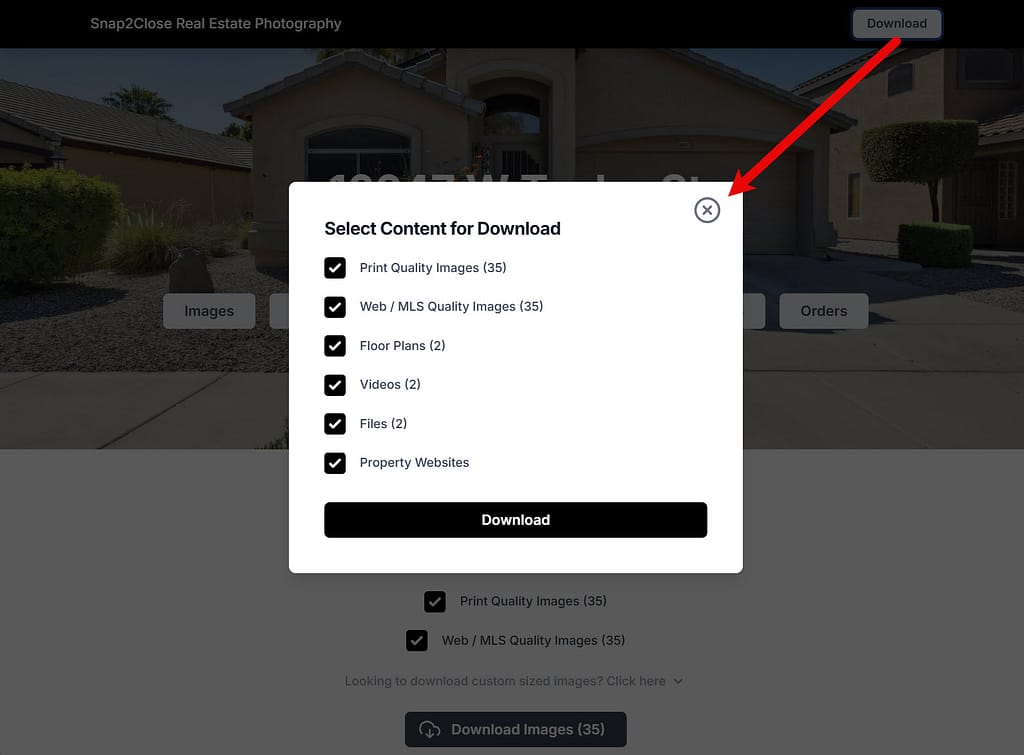
If you prefer to download all of your media, which will grouped into one folder, then click the Download button at the top right of the screen (sample).
To learn more about downloading and managing media on your portal then please visit our Portal Tutorials webpage.