Ashley Gomez

If you are looking to partner with a professional photography company that will elevate your real estate listings (whether you have several properties or just one) to the next level . . . look no further!
My experience working with Snap2Close has been nothing but amazing every step of the way. Charlie and his entire team are professional, knowledgeable, highly skilled, and focus on customer service. We recently worked with Snap2Close on a large project and I have received comments from multiple individuals about the website/photos/and videos. A few adjectives that have been frequently used are upscale, classy, and quality.
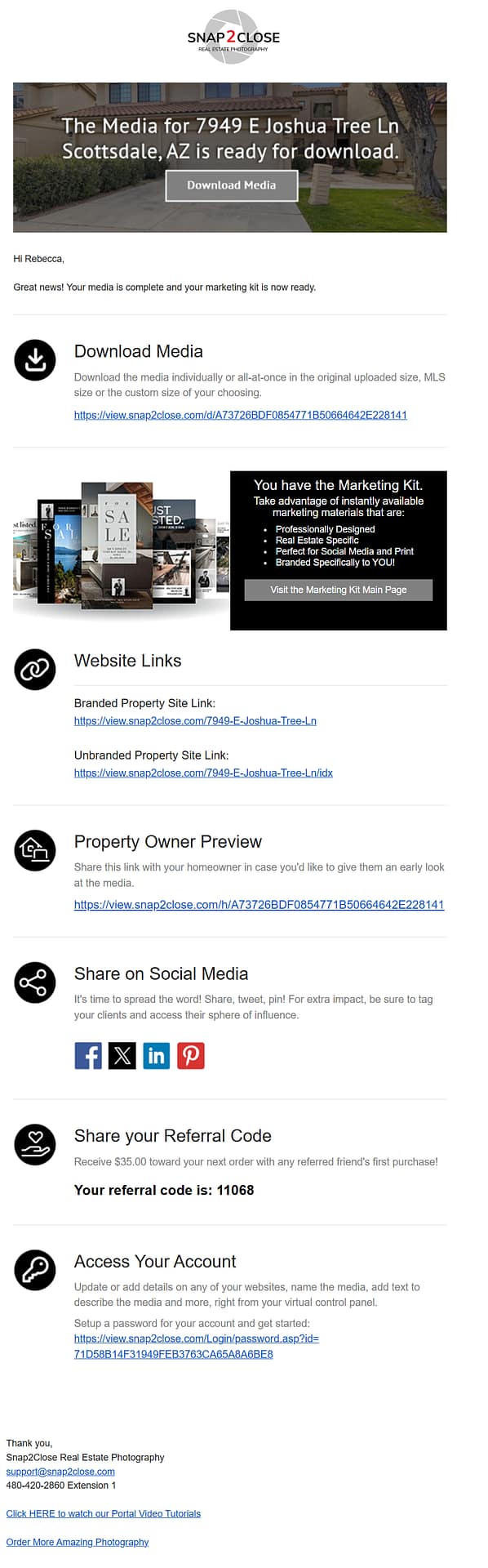
The photos captured the property in a multitude of ways which allowed me to emphasize different selling features of the property on MLS, flyers, and the custom made Snap2Close built-website. Snap2Close used still photos, drone photography for aerial photo/video, video photography, and 3D Matterport technology. From these different methods, Snap2Close created a custom website that, in addition to photos, allows prospective buyers to tour the property inside and out, view videos of the property, and use interactive photo floor plans that show the dimensions and flow of the property.
Furthermore, upon Charlie’s wonderful suggestion, we chose a package that included outside photos during the daytime and also at “twilight”. We ended up using a mix of both daylight and twilight photos as it allows the perspective buyers to view unique lighting features and other qualities not as noticeable during daytime walk-throughs.
Additionally – for those who are new to working with a real estate photographer and/or nervous about customizing websites and/or uploading photo/video files to MLS or other real estate platforms – Charlie created tutorial videos that walk you through the most common questions.
I could go on and on about the services Snap2Close provides and the care, time, and thought they put into their projects but I think their work speaks for itself.