FAQs
Frequently Asked Questions
How to Unzip a Zipped Folder on Mac and PC
When you download a file from the internet, it may come in the form of a zipped folder, also known as a compressed folder. This is done to reduce the file size and make it easier to transfer. Here’s how you can unzip a zipped folder on both Mac and PC:
On a Mac:
1. Simply double click the zipped folder to unzip it.
2. The contents of the folder will be extracted and placed in a new folder with the same name.
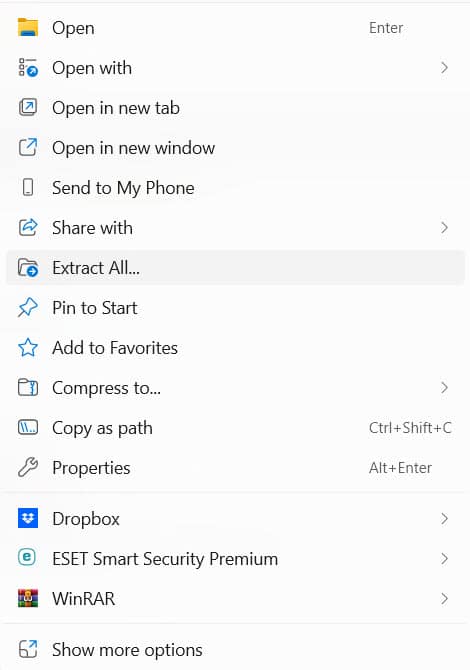
On a PC:
1. Right click the zipped folder with your mouse.

2. Select the “Extract All” menu item from the pop-up menu.